Sleep meditation changes the state of your nervous system. It shifts the body from an alert state to a relaxed one. This process lowers the heart rate and slows down breathing. These physical changes prepare the body for rest and help you fall asleep faster.
This practice involves focusing your attention on a specific sound or physical sensation. This focus stops the mind from thinking about daily stress. By reducing mental activity, the brain enters a calmer state that is necessary for deep sleep.
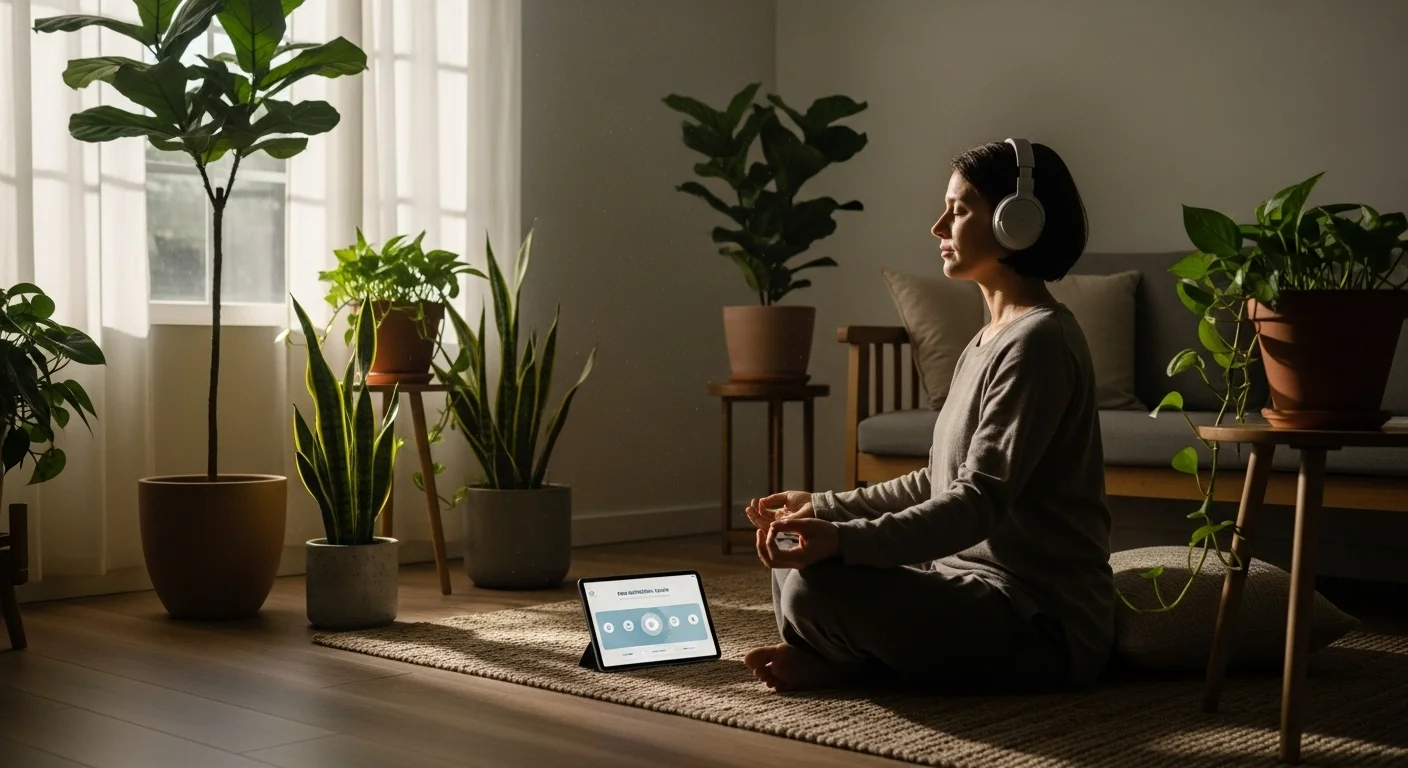
Many videos use guided instructions or background sounds to assist this process. The narrator tells the listener to relax muscles or visualize peaceful scenes. These audio cues provide a structure that prevents distraction and maintains a consistent state of relaxation.
Common Types of Sleep Content on YouTube
Guided sleep meditations are a popular category on the platform. These videos feature a narrator who provides verbal instructions to help the listener relax. The content often includes breathing exercises, body scans, or visualization techniques designed to induce sleep.
Another common type involves ambient sounds without spoken words. Creators upload long recordings of nature scenes, such as falling rain, ocean waves, or forest sounds. Some videos also feature white noise or fan sounds to mask background distractions during the night.
Many channels specialize in sleep music and binaural beats. These compositions use slow tempos and specific frequencies to encourage brain relaxation. The audio typically runs for several hours to ensure the listener remains asleep throughout the entire night.
How to Select the Right Meditation Video
Start by evaluating the narrator’s voice. The tone and pace must help you relax. Some listeners prefer deep male voices, while others like soft female voices. Listen to the first minute of the audio to ensure the speaking style suits your personal preference.
Next, check the duration of the video. You might require a short ten-minute clip or an eight-hour track that plays all night. Also, pay attention to background sounds. Ensure the volume of the music or nature noises is appropriate and does not distract you.
Finally, determine the specific type of content you need. Some videos feature guided instructions with body scans, while others rely on sleep stories or simple noise. Read the video description to understand the technique. Choose a method that helps calm your mind effectively.
Adjusting YouTube Settings for Sleep
Start by turning off the Autoplay feature to prevent loud ads or unwanted videos from waking you up. You should also enable Dark Mode in the app settings to reduce blue light exposure. Lower your screen brightness manually for comfort.
YouTube Premium users can access a built-in sleep timer directly within the player settings. If you use the free version, you can set a system-level timer on your phone. This stops media playback automatically after a specific duration of time.
Adjust the volume to a low level that remains audible but not distracting. It is helpful to turn on “Do Not Disturb” mode on your device. This setting blocks incoming calls and notifications that might interrupt your sleep meditation session.
Benefits of Listening to Meditation Audio
Listening to meditation tracks helps the body relax before sleep. These audio files lower heart rates and reduce physical tension in muscles. This process signals the brain that it is time to rest, which decreases feelings of stress and anxiety.
Many people struggle to fall asleep because they have racing thoughts. Guided audio provides a specific focal point for the mind. This distraction breaks the cycle of worry and overthinking, allowing the listener to fall asleep more quickly and easily.
Using meditation audio can also improve the overall quality of rest. The sounds cover background noises that might interrupt sleep cycles. Consequently, individuals often experience deeper sleep stages and wake up feeling more refreshed and alert the following morning.
Best Practices for Nighttime Viewing
You should lower the brightness on your device before starting a video. Exposure to bright screens can stop your body from resting properly. Turn on the night mode or blue light filter setting on your phone to reduce eye strain.
Adjust the volume to a low level so the sound does not startle you. You must also disable the autoplay feature on YouTube. This prevents the platform from automatically playing a loud advertisement or a different video after your meditation ends.
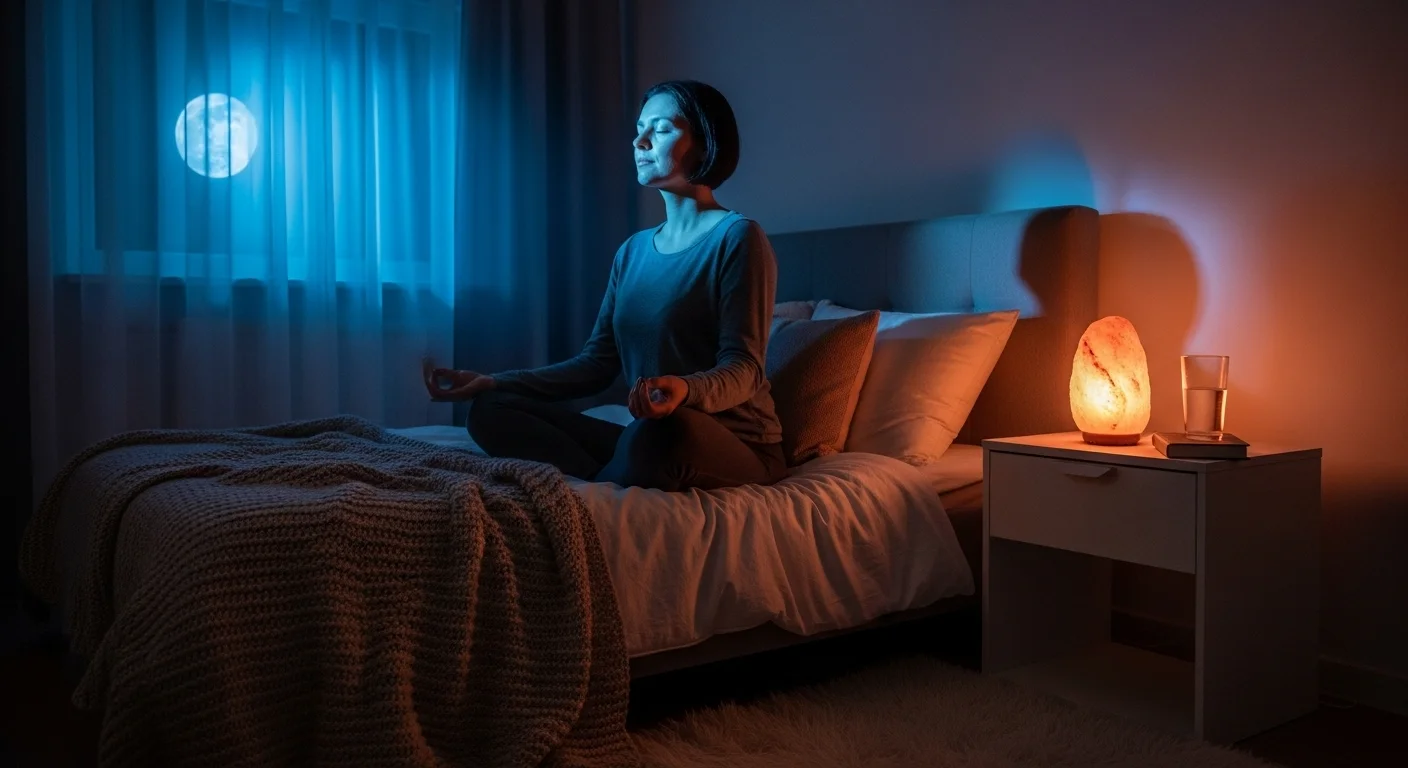
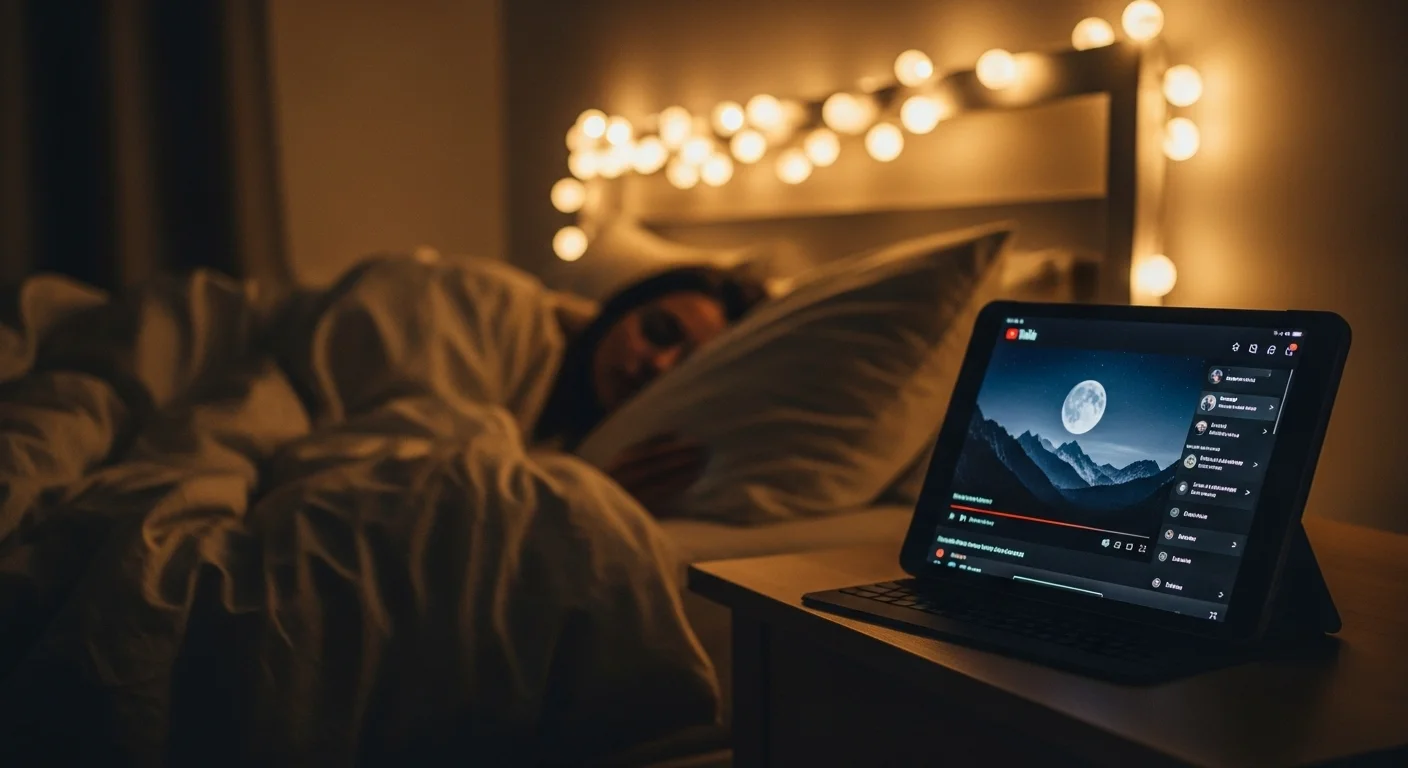
Place your device face down or away from your bed once the video starts. Listening to the audio is more important than watching the visuals. This keeps the room dark and stops you from checking notifications while you try to sleep.