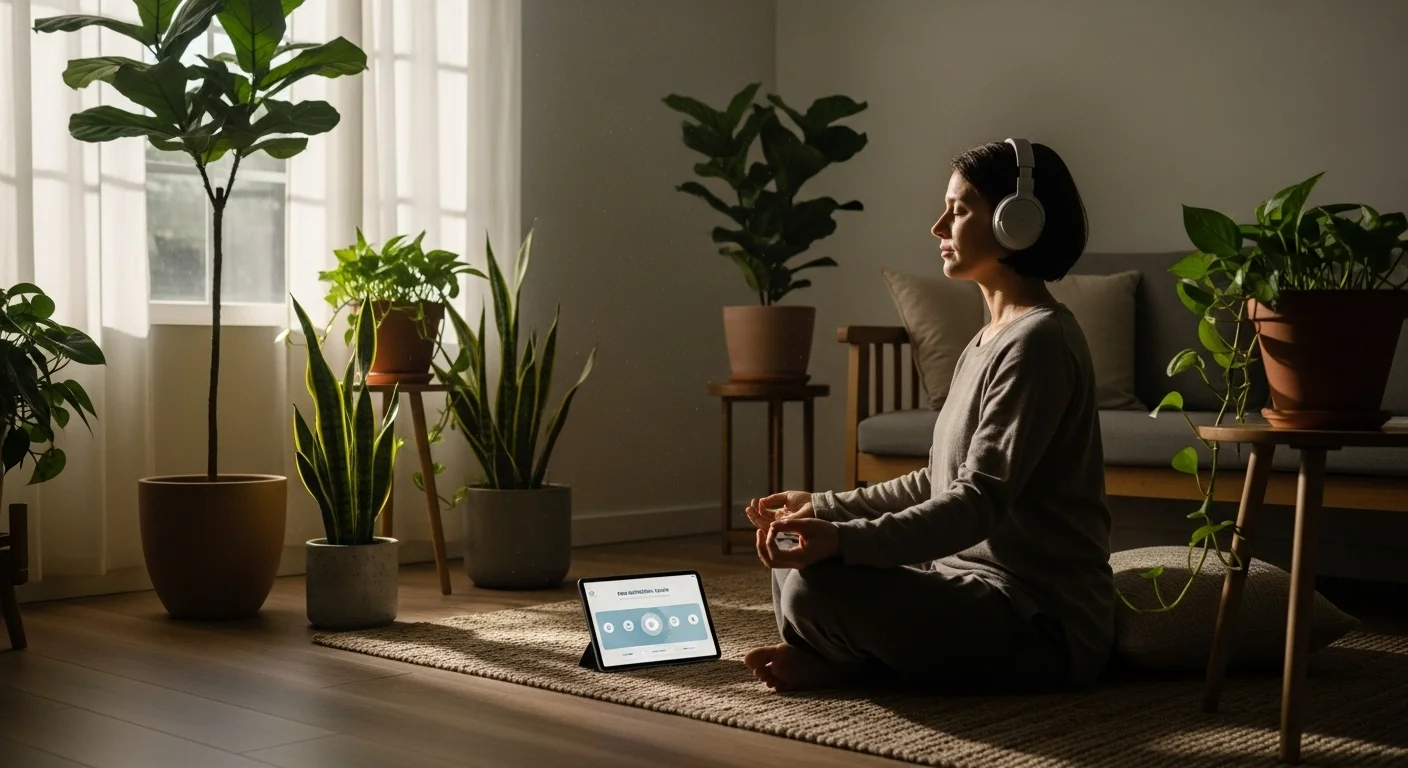
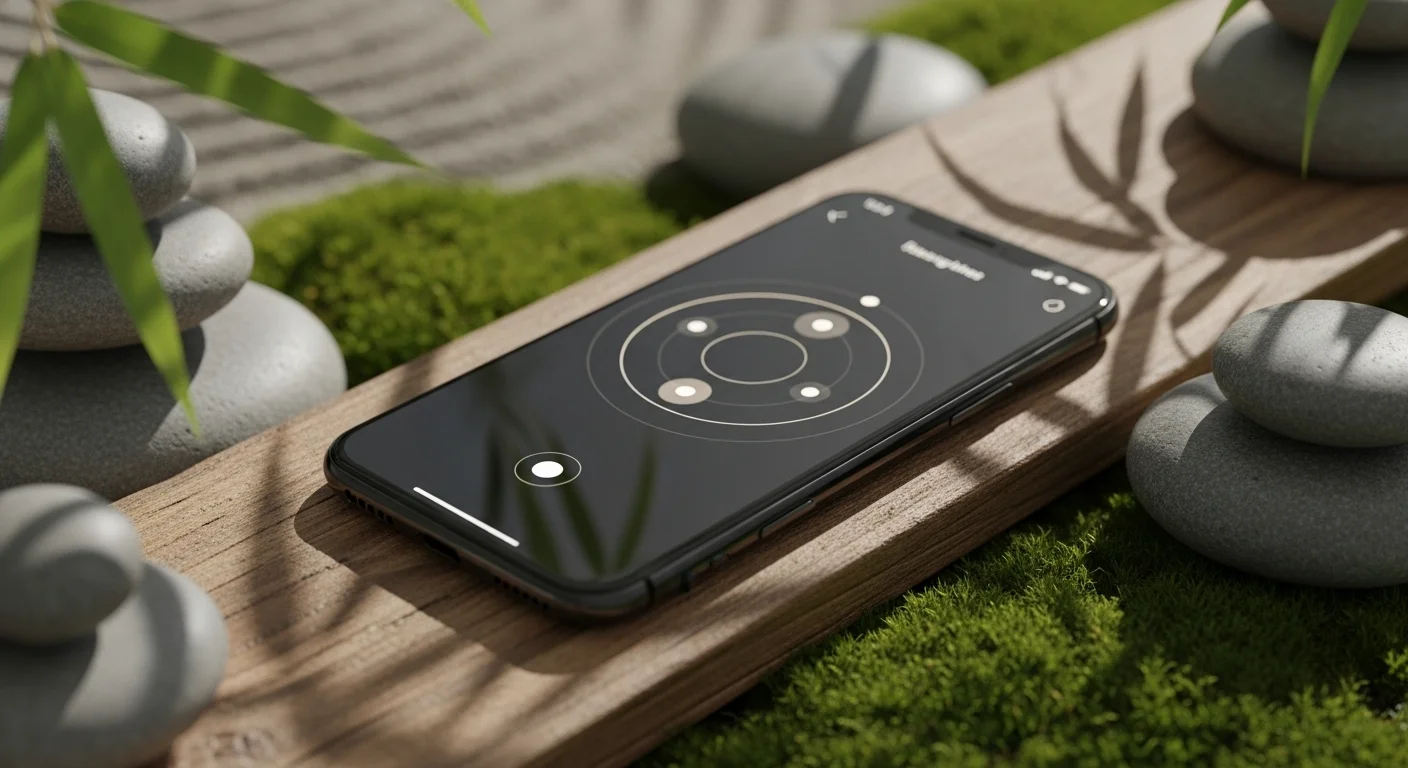
Mindfulness apps are software applications designed for mobile devices. They provide tools to help users practice meditation and mental exercises. The goal is to improve well-being by offering sessions, timers, and tracking features for daily practice.
Most applications contain libraries of audio and video content. Instructors record these files to guide users through breathing techniques and relaxation methods. The content varies in length to fit different schedules, ranging from quick pauses to longer sessions.
These tools make health resources accessible to a general audience. Users download them from stores to practice mindfulness anywhere. This technology eliminates the need for physical classes, allowing individuals to manage stress and focus independently on their phones.
Common Features in Meditation Software
Most meditation applications provide a library of audio tracks for users. These files usually contain voice instructions from teachers who guide the listener through specific techniques. The content often covers topics like stress reduction, sleep improvement, and focus enhancement.
Another standard function is a customizable timer for silent practice sessions. Users can set specific durations and choose ending sounds. The software also tracks usage statistics, such as total minutes meditated and consecutive days practiced, to help build consistency.
Many apps include notification settings to remind users to meditate at specific times. Personalization options allow individuals to filter content based on experience levels or available time. These tools assist users in maintaining a regular schedule and finding relevant exercises.
Benefits of Using Mindfulness Technology
Mindfulness apps provide users with convenient access to meditation tools. You can practice anywhere using a smartphone or tablet. This removes the need for physical classes or specialized instructors. People can fit mental health exercises into their busy daily schedules easily.
These digital tools offer structured guidance for beginners and advanced users. Features like progress tracking and daily reminders help maintain a consistent routine. Structured programs teach specific techniques for stress reduction and focus. This support helps users build lasting habits effectively.
Technology allows for personalized experiences based on individual needs. Users can select sessions that target specific issues like anxiety or sleep. Many applications also collect data to suggest relevant content. This customization ensures that the practice remains relevant and helpful.

Factors to Consider When Choosing an App
You should check the cost of the application before downloading it. Many apps offer a free version with limited features, while others require a monthly subscription. Look for platforms that provide a free trial period to test the content first.
Users must evaluate the specific library of meditations available. Some applications focus primarily on sleep stories, while others specialize in anxiety management or beginner courses. Select an app that aligns with your specific goals and your current experience level.
Consider the technical features and the user interface design. A good application should be easy to navigate without confusion. Essential functions often include offline access for travel and progress tracking tools that monitor your daily usage statistics over time.
Analysis of Free Versus Paid Options
Free applications typically provide basic features to introduce users to mindfulness. These versions often include a limited selection of guided meditations and simple timers. Users generally face restrictions on advanced content and may encounter advertisements during their sessions.
Paid subscriptions unlock the full library of content within an application. Subscribers gain access to specialized courses, offline listening modes, and personalized progress tracking. This model usually removes all advertisements and ensures a seamless user experience without interruptions.
The choice depends on the specific needs of the individual user. Beginners often find free versions sufficient for learning the basics of meditation. Regular practitioners frequently require the extensive tools and variety found in premium subscriptions for long-term growth.
Instructions for Daily App Usage
You should select a specific time for your practice each day. Mornings or evenings often work best for most users. Use the built-in notification settings to schedule a daily reminder. This function helps you maintain a consistent habit over time.
Find a quiet space where you can sit comfortably without distractions. Connect headphones to your device for clear audio quality. Open the application and select your current course or single session. Enable the “Do Not Disturb” mode on your phone.
Complete the check-in feature after the meditation ends to record your mood. Review your user statistics on the profile page to track your total minutes. Monitoring this data allows you to see your progress and keeps you motivated to continue.